01 · Start here
Create your workspace
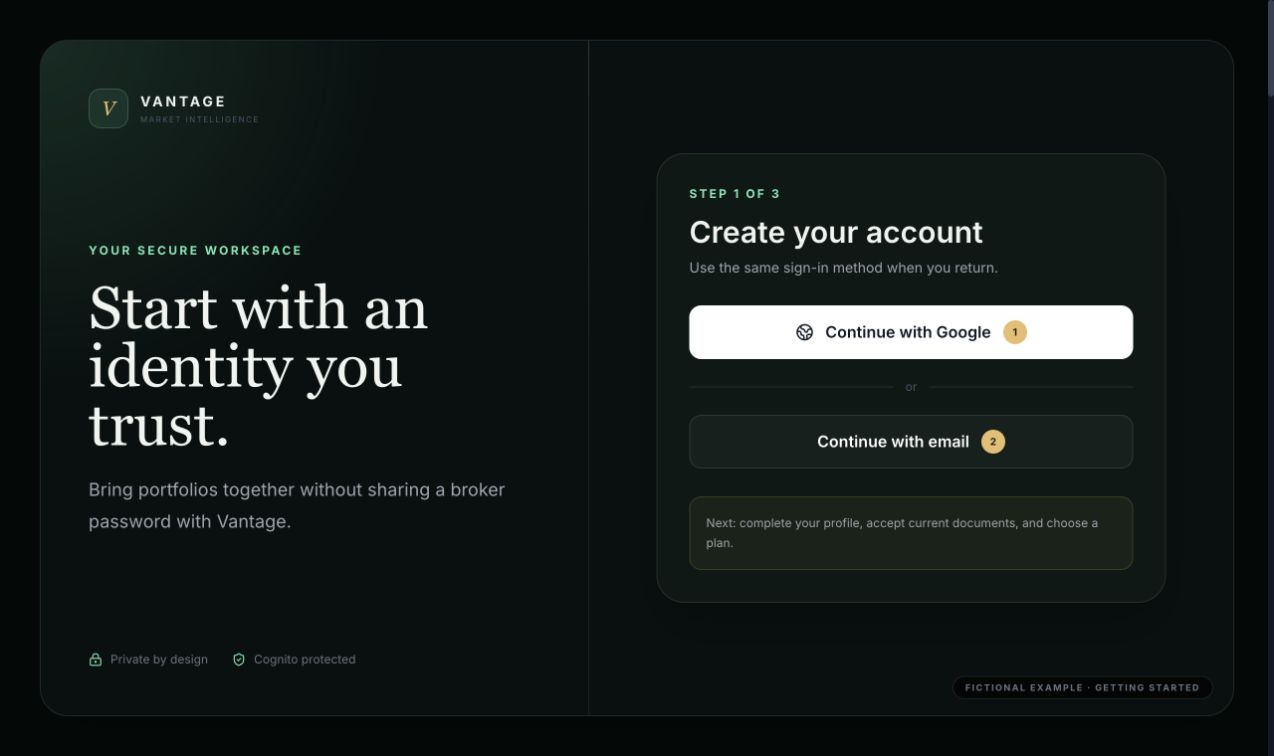
Select Sign up from the landing page. Google is the quickest route and keeps authentication with your Google account. Email sign-up creates an Ivanry-managed Cognito account and requires email confirmation.
1
Choose Google or email
Use the identity you expect to keep. Broker credentials are never used for Ivanry sign-in.
2
Complete onboarding
Enter the required profile details, location, primary goal, and how you heard about Ivanry.
3
Accept current documents
Read and accept the Terms of Use and acknowledge the Privacy Notice. Material revisions must be accepted again.
4
Choose a plan
Free demonstrates the core portfolio workflow with limits. Paid unlocks advanced research, performance, outlook, and automated IBKR sync.
Returning users
Select Log in and use the same provider used at registration. A Google account and an email/password account with similar addresses are not automatically the same identity.